How to keep taking footage at the end of a mission?

Hi
I have created a waypoint mission. When the drone gets to the end of the mission the video recording stops automatically. I would like to capture a few seconds of the drone hovering in position, how can I do this?
Thanks
Comments
9 comments
Create a list, put the automatic capture on the list instead of the Path, then add the Path + a wait component to the list.
Jim may have a better way to do this. Instead of adding the camera stop command at the end of the flight path, add a short destination component right after the path. Then it will fly to the destination while camera is still capturing. Just make sure you move the the stop capture command at end of the plan. Not sure if this is what you want but maybe it will work for you.
https://app.dronelink.com/wyldwestaz/home-missions/plan/lCj2lkD1wErGn3HhbD40/EZxI5OlBbUT4cereyre7
Good luck, Mike……
Thanks, guys. Jim, I'm just getting started with Dronelink and not sure how to do that. Do you have a help doc or video I could refer to? Cheers
https://support.dronelink.com/hc/en-us/articles/360025878173-Getting-Started
Hi Keith. I changed the plan I shared. Check it again. I believe he mens the way I changed it. Jim’s way is even quicker and more simple then my way. I completely forgot about the wait command. I deleted the destination component from this plan and just added a wait component at the end instead. Once again just make sure after adding the wait command to move the stop command down at the end. You can set the wait time to however many seconds you want.
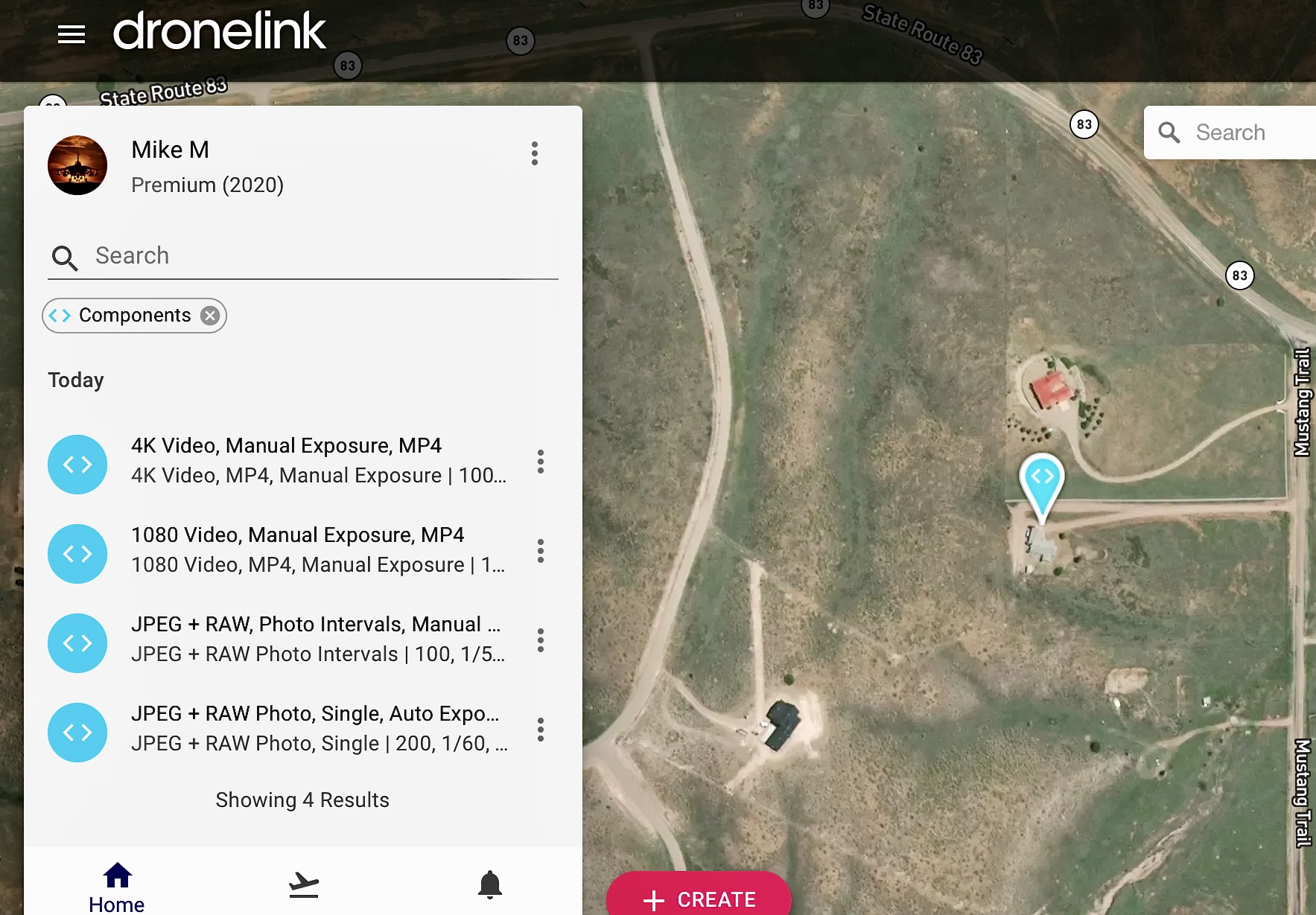
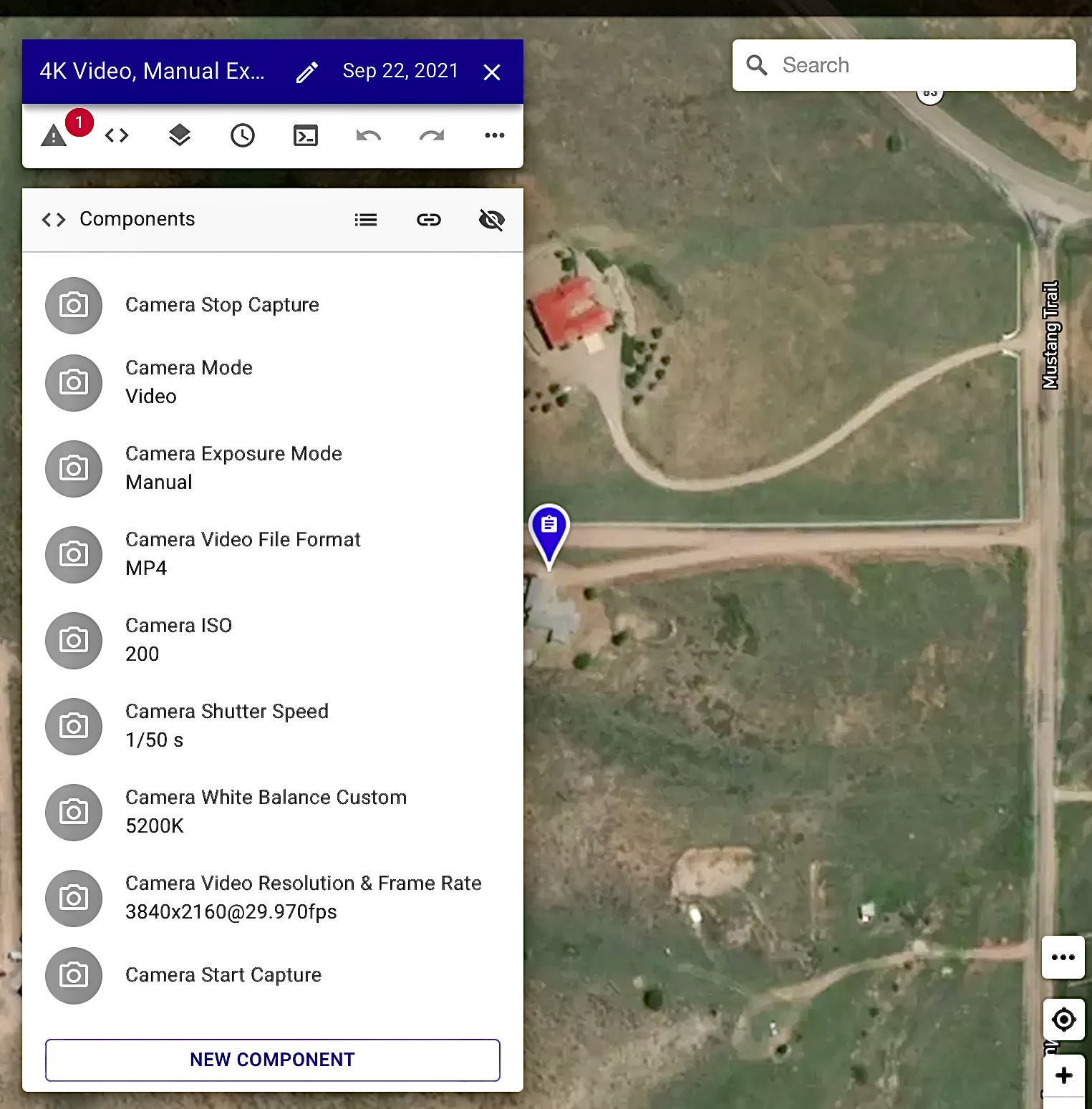
The camera list is what I use for my camera commands. As my plan shows it is at the top of the plan to start at the beginning of mission but, you can move up or down and place it anywhere within the plan. It’s much quicker to create a camera list and use it anytime as an added component. You can change back and forth during the mission between photos and videos easily and not need to add every command over and over.
I may be wrong but I don’t believeI Dronelink has a specific YouTube video which walks you through making a personal Repo camera list. Here is a YouTube video on how to create a personal camera commands list which you can keep in your repos. It took me a bit of time to get it right but when done you will see the list in your components section of the Dronelink web app.
https://youtu.be/s3ML0o1SWao
Hope this helps. Enjoy.
Mike……
Hi Mike,
Thanks so much for taking the time to provide this for me.
I haven't experimented with components / camera commands yet! I created my mission via the option under Create > Waypoints. See below.
I've added the Wait component. See below.
This seems to be correct?
Cheers
Keith
Correct. If running video you will need to add a “stop capture” at the end of plan. If taking photos you don’t need it. The Dronelink 101 YouTube videos can take a bit of time to go through. I’d suggest watching at least the first half of them which help with the basic overall. Also they now have a user manual which may help.
Enjoy, Mike….
https://youtube.com/playlist?list=PL3wRlldCPXFi4octcc4Iv6IdSI4pHld7u
https://support.dronelink.com/hc/en-us/sections/1500001183541-Quick-Start-Series
Thanks, Mike, cheers!
Enjoy Keith…😀
Please sign in to leave a comment.