Gimbal error on first mapping flight

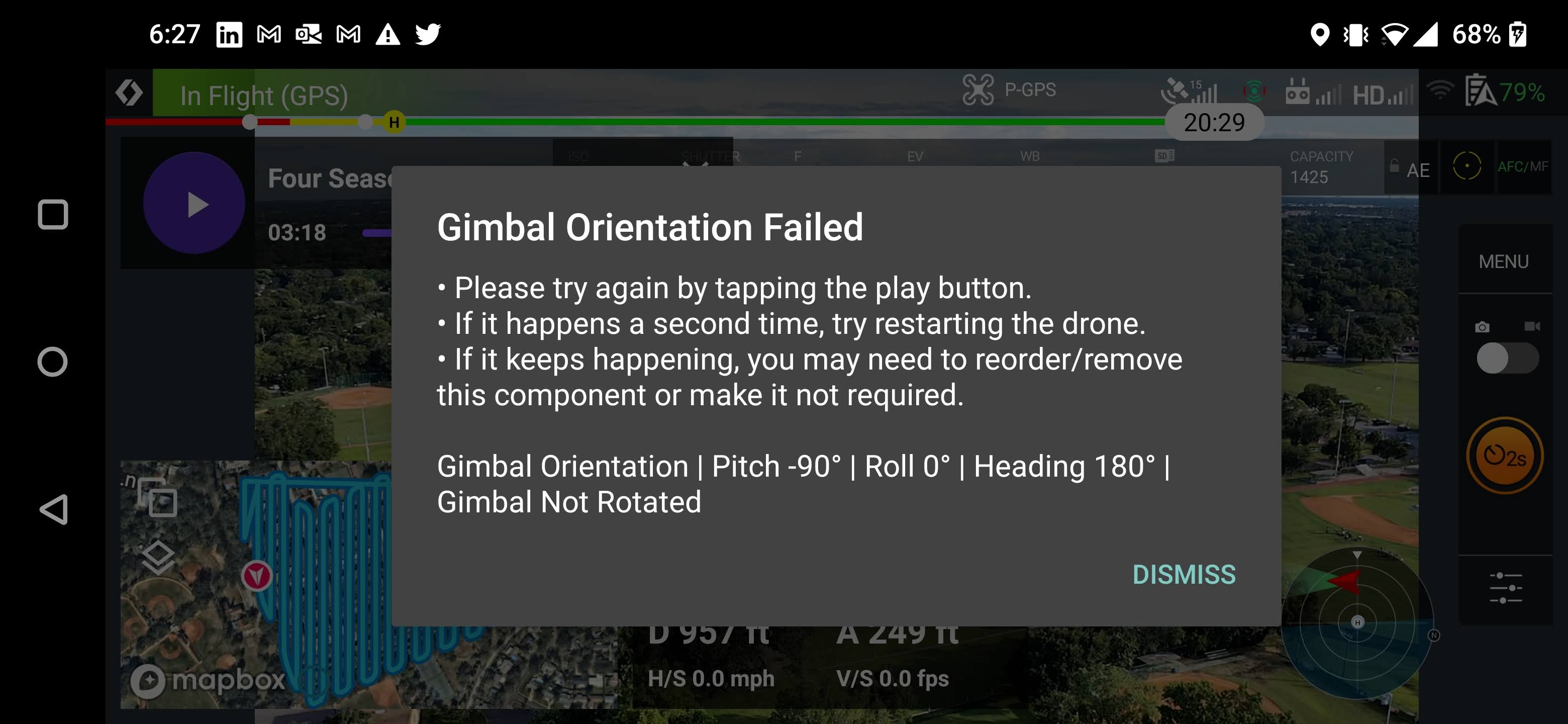
Preview of flight is without error. After I received this the first time I landed the drone rebooted it, my phone, and the controller. I then re-calibrated the gimbal. I have never had an issue with any other automation software. The first 8-10 images are captured withou issue, then the mission will stop and display this error message. If I "dismiss" and hit play, the drone will continue moving, but will not capture images and then after about 5 seconds stop and display this message.
Drone: Mavic 2 Pro
Comments
11 comments
Please share the mission plan you are using.
https://app.dronelink.com/brendon-day/my-first-project/plan/fW4TPdGs7yT0fJAzYL6i/UCbpM5EguuulHYNPhru0
Does it work if you delete the drone heading?
Same failure message when heading is deleted. However, message is generated immediately at the Approach, instead of after starting the mission.
What happens if you delete this on the approach:
Exact same message.
Thanks, I will see if I can reproduce it.
Open the native app and confirm you see a kernel upgraded message, then try again and let me know if it still happens.
Updated. Ran flight again. Different Error. Camera Stop Capture Failed. No changes to app or drone.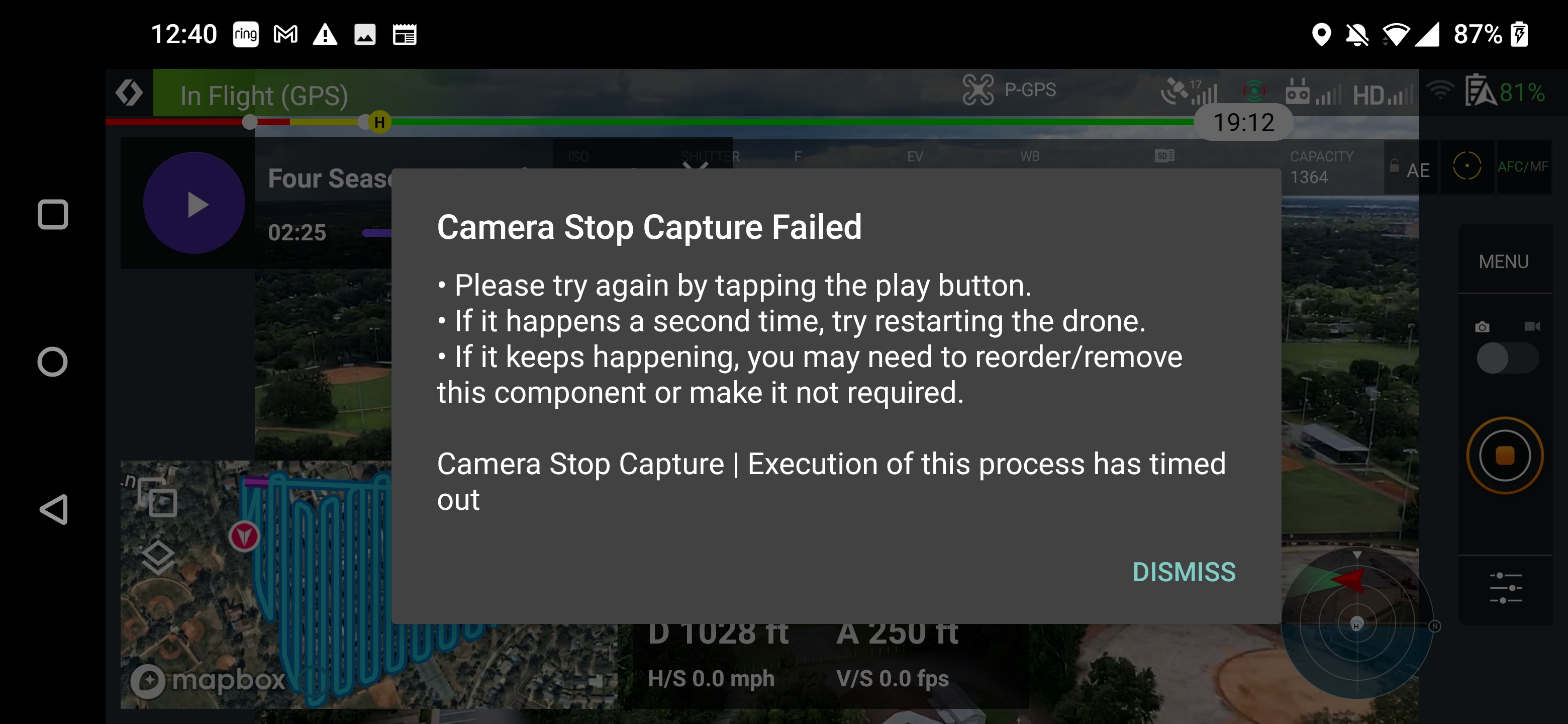
Sounds like the original issue is fixed so I am considering this closed for now. If the camera keeps having issues you can submit a different bug report.
Thank you
Please sign in to leave a comment.