Issues Dronelink Mapping Mission

I’m encountering issues when using Dronelink with a DJI Inspire 2 and a MicaSense RedEdge-MX sensor during a mapping mission. Below is a summary of the setup and the problems experienced:
1. Equipment Setup
-
Drone: DJI Inspire 2
-
Sensor: MicaSense RedEdge-MXFlight planner: Dronelink
-
Camera setting: Set as “Custom” with RedEdge-MX specifications manually entered
2. Mission Situation
-
A mapping mission was created in Dronelink using the custom camera setting
-
The drone successfully took off and traveled to the starting waypoint but then stopped and did not proceed with the mission
3. Error Messages and Actions Taken
-
An alert appeared:
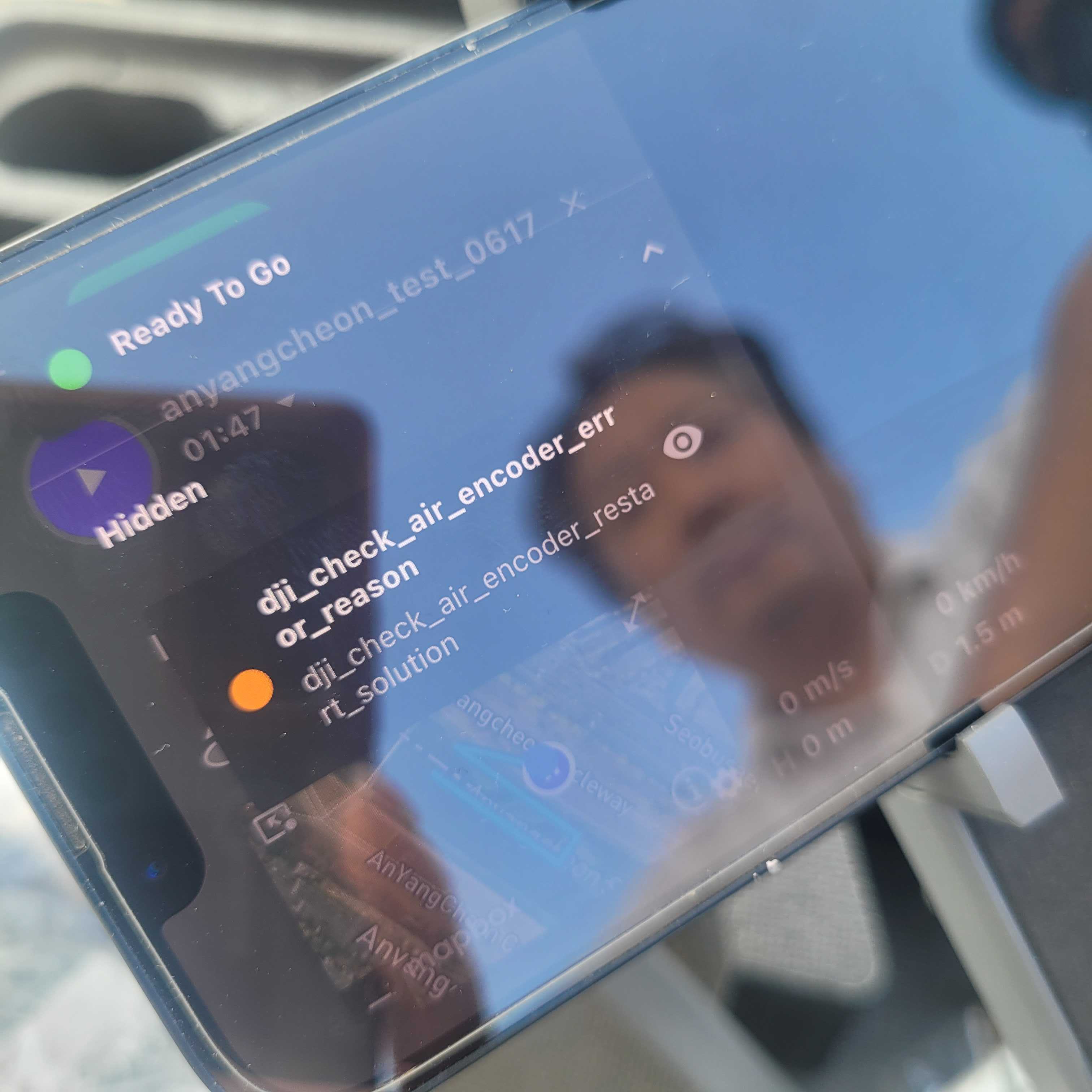
dji_check_air_encoder_error_reason -
After ignoring this, the next message was:
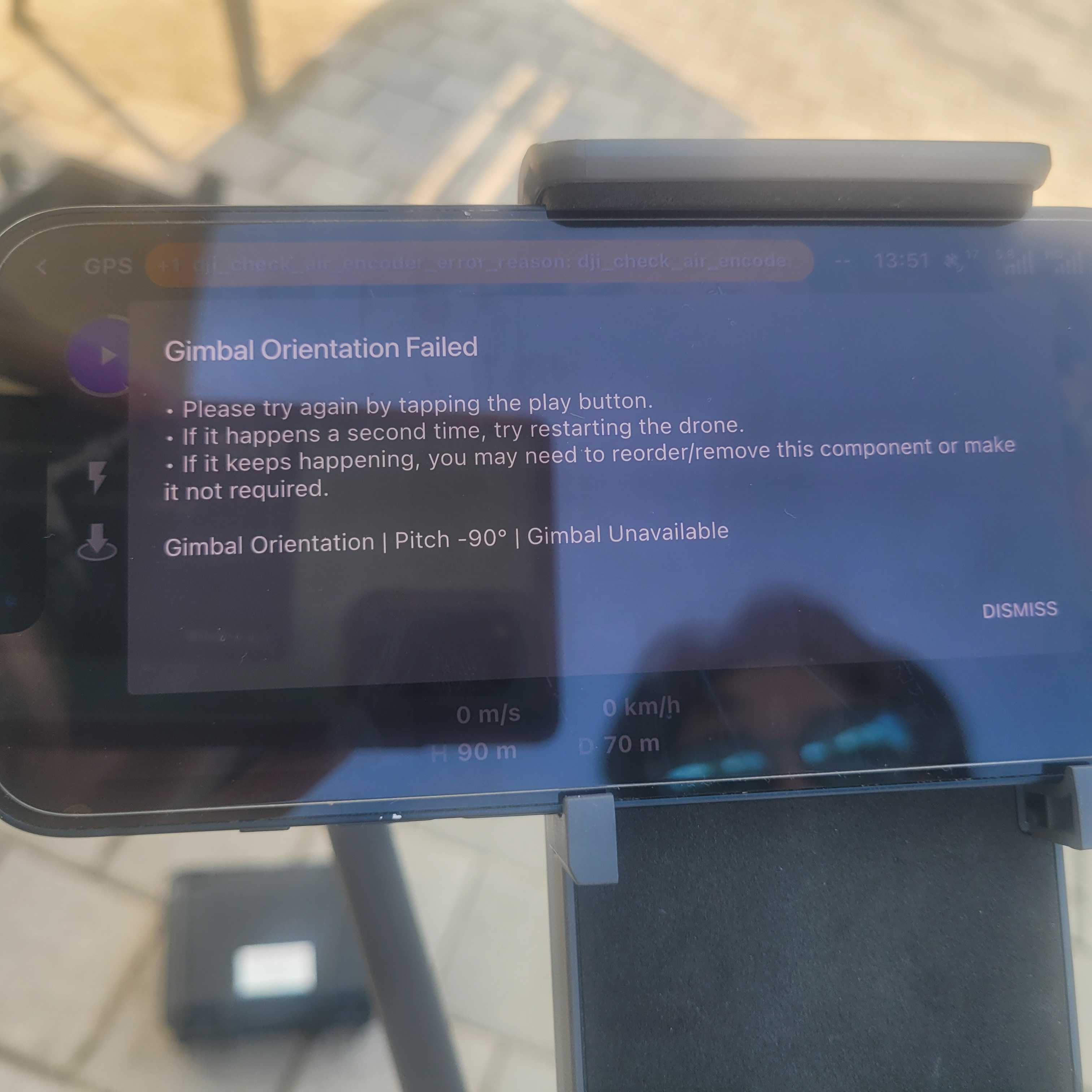
Gimbal Orientation Failed -
Ignored again, and then
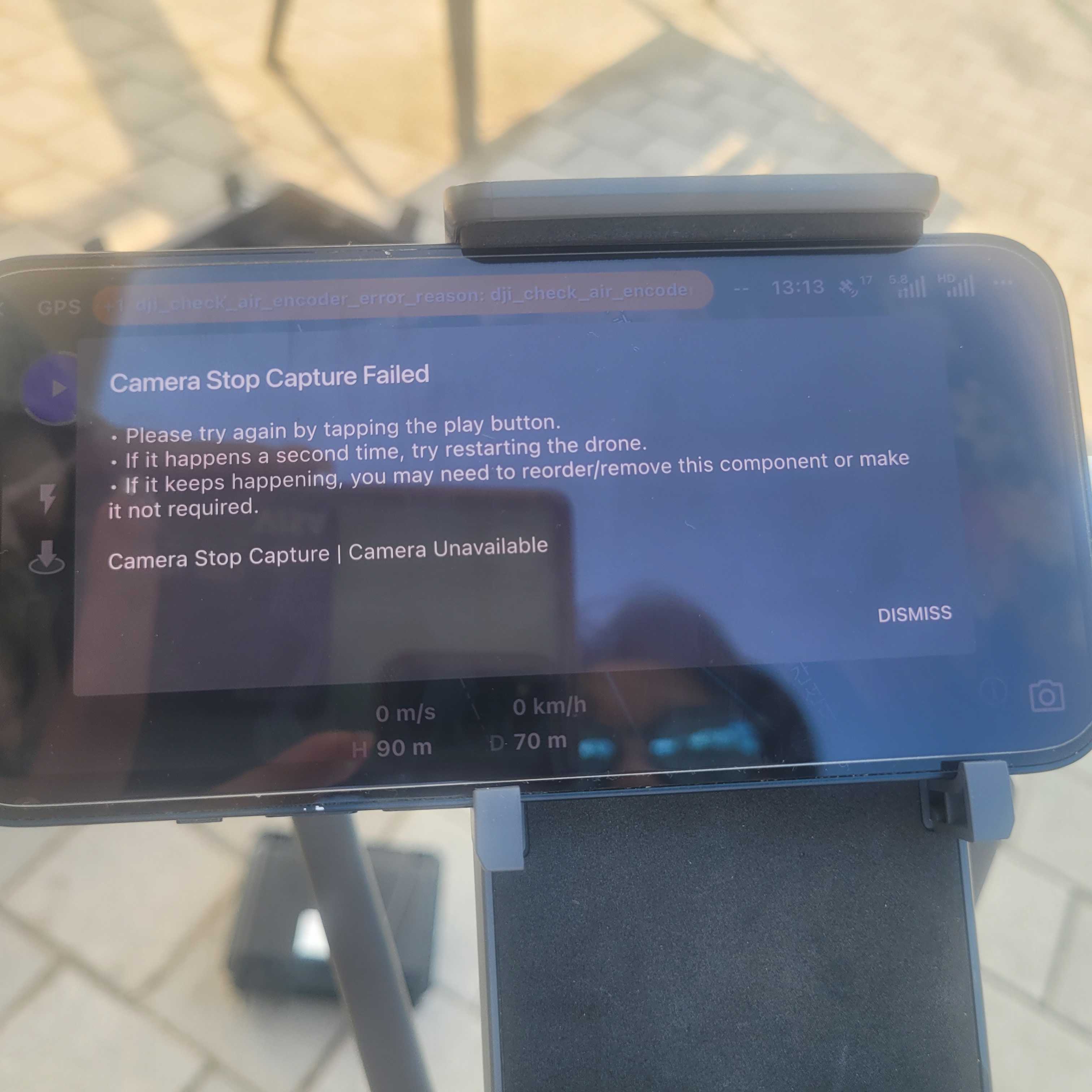
Camera Stop Capture Failedappeared -
As a result, the mission could not be executed. I manually initiated Return to Home and landed the drone safely
4. Questions
-
What do each of these error messages mean and what might be causing them?
-
How can I resolve these issues to ensure the mission can be successfully flown?
-
Is the MicaSense RedEdge-MX sensor officially supported or compatible with Dronelink for mapping missions?
I would appreciate any guidance or recommendations you can provide to resolve this issue.
https://app.dronelink.com/haebomdata/my-first-project/plan/GWO4tGgGhXEJnyD4TLbl/DXOoft0iBOxp5Q9Z9EQR
Comments
1 comment
Dronelink doesn’t work with custom sensors.
https://www.dronelink.com/refund
Please sign in to leave a comment.