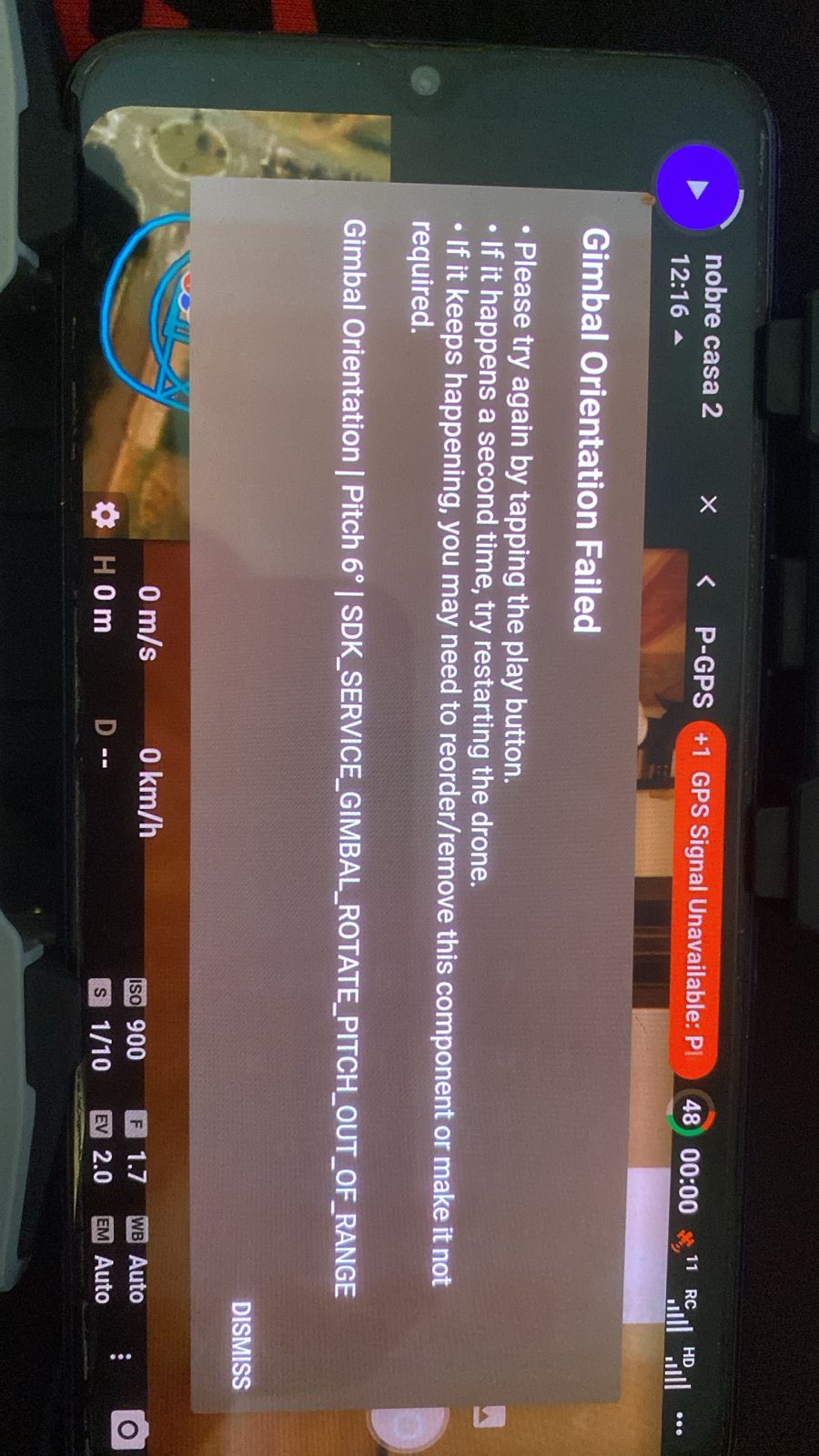
Gimbal Orientation Failed on JobSight with Mini 4 Pro and RC-N2

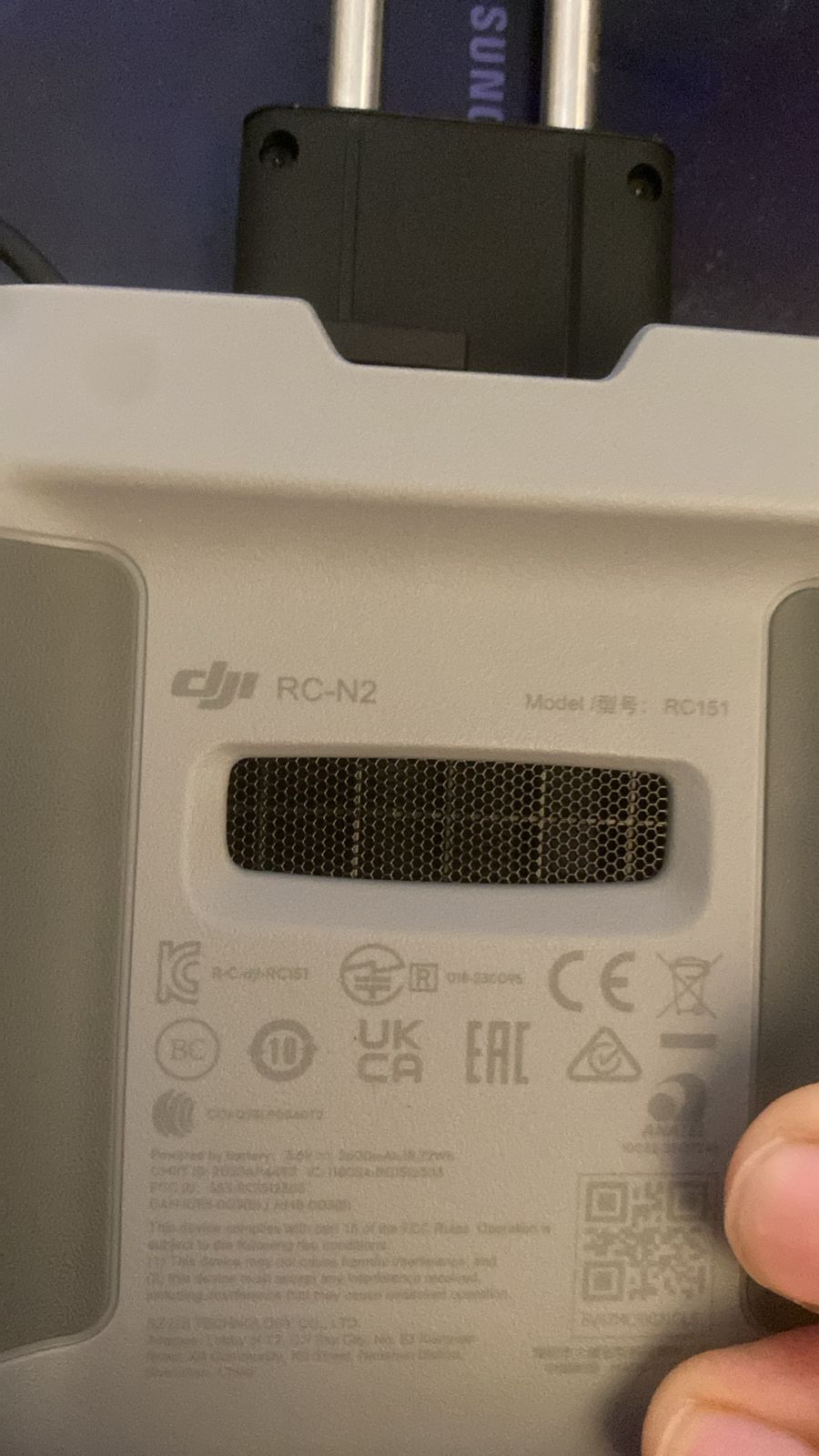
I tried to perform JobSight with my Mini 4 Pro and RC-N2 and I always got a Gimbal Orientation Failed error after the first step (collect 360 photos). It happened with RC-N3 but after bought an RC-N2 the error still occours.
Details:
-
Drone Model: DJI Mini 4 Pro
- Controller: RC-N2
- Mission: https://app.dronelink.com/vinicius-souza/mission/OAfRDPK6dMQLdHmbdRbf
My registered details:
-
Name: Vinicius P Souza
-
Email: vinicius.rj@gmail.com
Comments
5 comments
Looks like the Panos are trying to command +6 on the gimbal, but the DJI SDK currently has a bug that disallows this so you need to remove the Panos, or replace them with custom ones that don't go to positive angles.
Can you help me to do that? I'm new to Dronelink and I simply clicked on the JobSight from Adaptative On Flight menu and followed the instructions.
Hi Jim,
Looking to the mission details there's no mention to +6 commando on the gimbal. How can I debug that?
The Pano component doesn’t let you control specific angles, so you just have to remove them, or replace with a custom one: https://app.dronelink.com/dronelink/core/component/TG5zYSiJLtfS4CA6JBxb
So where you using Dronelink app with a RC-N3 before? So does it works? As the website app says it only works with the RC-N2.
Thanks
Please sign in to leave a comment.