Insert WayPoint + symbol hidden at times

There are + symbols for inserting a waypoint between and after existing waypoints.
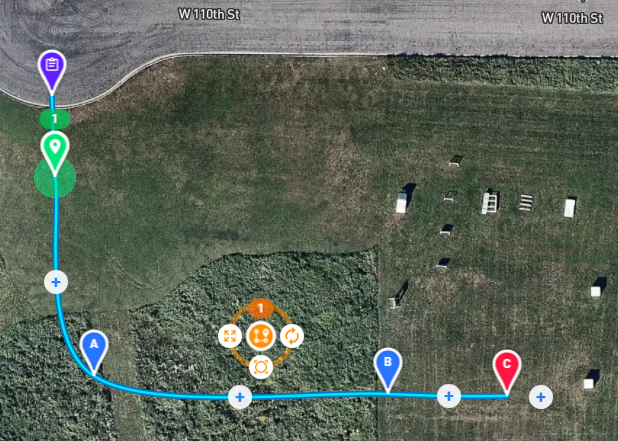
But if I move waypoint C above B (in an attempt to create a rectangle path), the + symbol gets hidden behind waypoint C.
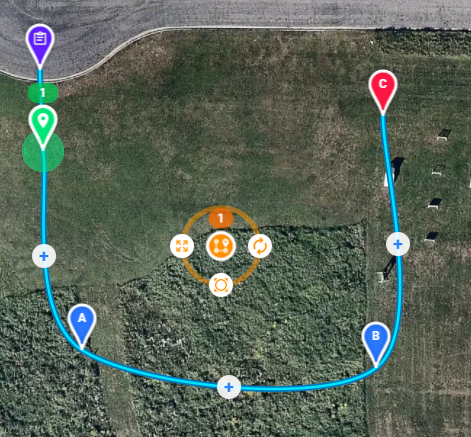
As I become familiar with the software, this issue is so easy to deal with. But when it first happened it was a little confusing.
Simple Workaround: Move the waypoint marker until the + symbol is visible.
Comments
1 comment
You can right-click and drag on the map to rotate the map and reveal the final + marker, or you can just right click and select New Waypoint from the resulting context menu.
Please sign in to leave a comment.