Menu Inconsistency when selecting a camera command

I was following the tutorial and created a new repository, created a new plan, configured the new plan.
If I select the button to add a New Component (on left side of screen), select Command, select Camera Command, the pulldown list of camera commands is OK. I can scroll through the entire list.

But if I put the mouse cursor on the flight path and right click, then bring up the camera commands, I am not able to scroll through the entire list.
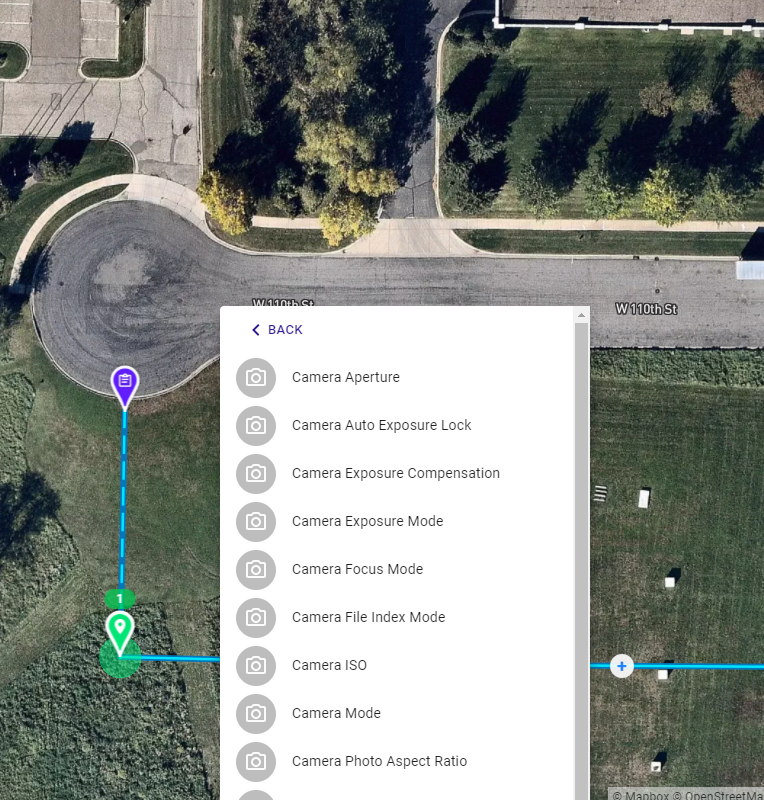
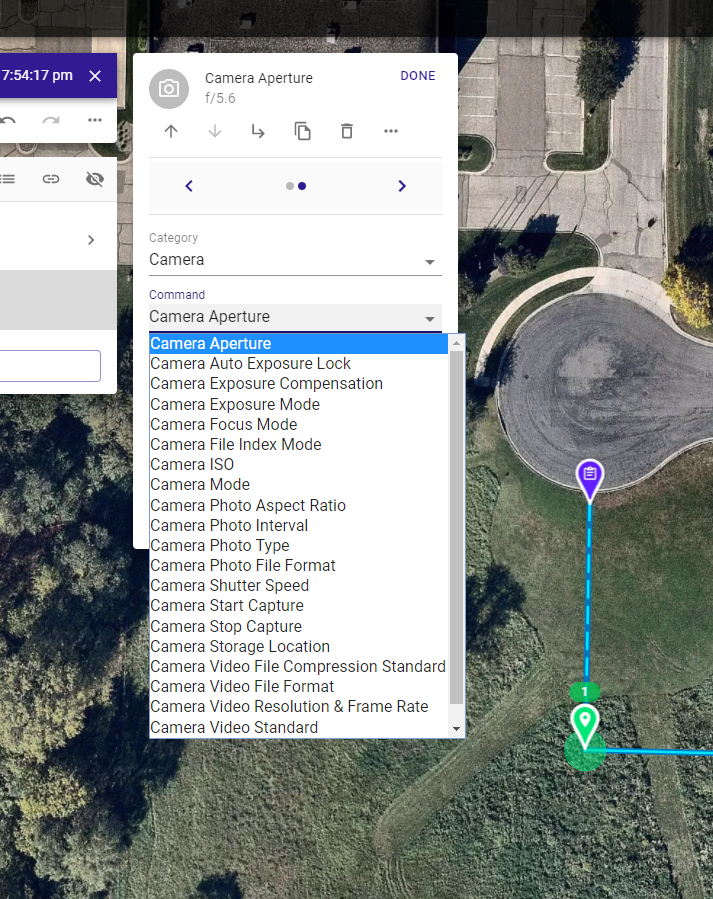
So I pick a command that I can get to. Then I can go back to pick what I really want. The pulldown list looks a little more compact.
Comments
2 comments
I have seen the same thing. Thought it was just me. Thanks for posting.
We could switch all the lists over to the "drop down" control seen in the last screenshot since the list has grown so long. In the meantime (and even in the long run) your best bet is to just use the search feature - it's way faster to find what you want once you know the name of it. If you are on a computer with a keyboard, hitting enter auto-selects the first item in the search results. Once you get in a flow editing is really fast.
Please sign in to leave a comment.