DJI Mini 3 Pro - odd & dangerous behaviour with flight plan

Hello community,
after the recent update, our DJI Mini 3 Pro doesn't execute the planned flights anymore and furthermore acts very odd and does very random and dangerous maneuvers.
After starting everything up and the controller in "N"-Mode, dronelink always displays "P-GPS" as it's mode.
When we start a mission, the drone goes up and the start going crazy. Following things have happend:
- random yaw and spinning aroud
- the gimbal goas up and down
- drone goes down without command and could possibly have crashed into the ground.
We are using normal maps to fly over railway construction sites. Signal interference IS NOT the problem. When in manual flight, everything works fine and the drone can keep it's location perfectly. We also tried the same map and location with another drone and it went perfectly fine. A reset of the drone and deinstalling dronelink and dji fly doesn't help either. We have tried every basic solution to get it to work again but nothing helped.
So the only guess is that something is wrong with dronelink or the version of the app. I will add all the information about our mission down below but I hardly believe that they have to do anything with that, as these settings have worked for us plenty of times.

Any help and support is welcome as we need this to work again asap.
Kind regards,
Lukas
Comments
147 comments
This video https://youtu.be/Amy7LmYeFaI shows that Uploading mission details takes priority over the drone's flight control system.
A copy of the mission can be viewed at : https://app.dronelink.com/vaclub/share-kn1yu6sibxbbxoddegr2/plan/agBFB3wC2vR82FmizdxY/bfGzVXZaNkYM6oqqQg7x
My comment still stands.
Why wasn't the Uploading mission details programmed to be done in the background?
This would prevent the drone from behaving oddly and dangerously due to the interruption of autopilot when synchronization takes a long time to complete.
As I have already stated over and over again, it is programmed to happen in the background, and it has worked fine for the vast majority of Dronelink users in locations all across the world for over 5 years. There appears to be one network in France that causes this issue to arise, and since we cannot reproduce it, nor are we going to fly to France to try to reproduce it, there is nothing we can do to fix it at the moment because we don’t actually know what the real issue is. Please try flying with the network disabled on your phone.
@Jim McAndrew
With the mini 3 drones that we use in the Education of Surveyors at my School, we have had the problem with 2 out of 3 drones in the past week.
The reason why we havn’t seen the problem before, is that most of our Mini 2 drones were stolen a couple of weeks ago, and I had three “still in box” mini3 that I prepared for use last week.
I did not know about the problem before that, but last Tuesday I was tutoring a group on their project, and I got the problem.
Until today I thought that it was a problem with the specifik drone, but now I have 2/3 drones that has done it, and that’s why I stumbled upon this thread.
Martin
What do you want me to do? I have not read all the comments, but it seems I have the possibility to find out where the problem lies.
Please write me at my email, and I will supply you with the data that you need.
Here is the solution to prevent this bug from occurring : put on “Offline mode” before starting the mission...
I was finally able to reproduce this issue, and I believe we have a fix for it in the latest beta if you want to give it a shot (5.2.3 build 312).
That's good news! Out of curiosity, how was this bug reproduced in the US?
As soon as the weather permits, a test of the beta version (5.2.3 build 312) will be carried out.
The Google Play store was requiring us to updated the minimum version of Android we support and as soon as we updated the version number the bug started happening, but only on very old versions of Android.
How old/ what versions?
Whatever the DJI RC Pro Enterprise controller runs (maybe Android 7?). Doesn’t really matter because the point is we found a way to reproduce the issue, so we could attempt a fix.
DJI Dronelink beta version 5.2.3 (312) has been successfully tested.
The mission described at ...
https://app.dronelink.com/vaclub/share-kn1yu6sibxbbxoddegr2/plan/agBFB3wC2vR82FmizdxY/bfGzVXZaNkYM6oqqQg7x
…was carried out twice with excellent results.
Everything worked as planned during the mission.
A video is being prepared to illustrate this.
Hardware and software used
Drone DJI mini 3 ; firmware : v01.00.0500
Remote RC-N1 ; Firmware v04.16.0500
DJI Fly version 1.19.4 (with an iPhone 11)
DroneLink DJI beta version 5.2.3 (312) | Kernel 5.2.0
Android mobile phone :
Samsung Galaxy A34 5G (without SIM card) ;
Android 16 ; OneUI 8.0
The link for the short video on YouTube is :
https://youtube.com/shorts/edCAXB4Yjvo
Being a newbie to beta, how can I install version 5.2.3 build 312, to test this, my mini 3 pro needs it. When I tried to install, the link went directly to 5.3.0 build 314. Thank you
The latest beta has the fix as well.
It's confirmed ! Beta version 5.3.0 (build 313) prevents DL from interrupting autopilot during a mission.
Thank you so much. I will try it out tomorrow...
Best regards,
Hi I have this issue https://support.dronelink.com/hc/en-us/community/posts/49171571464723-MAPPING-PROBLEM-DJI-MINI-4-PRO couldn't fix until now.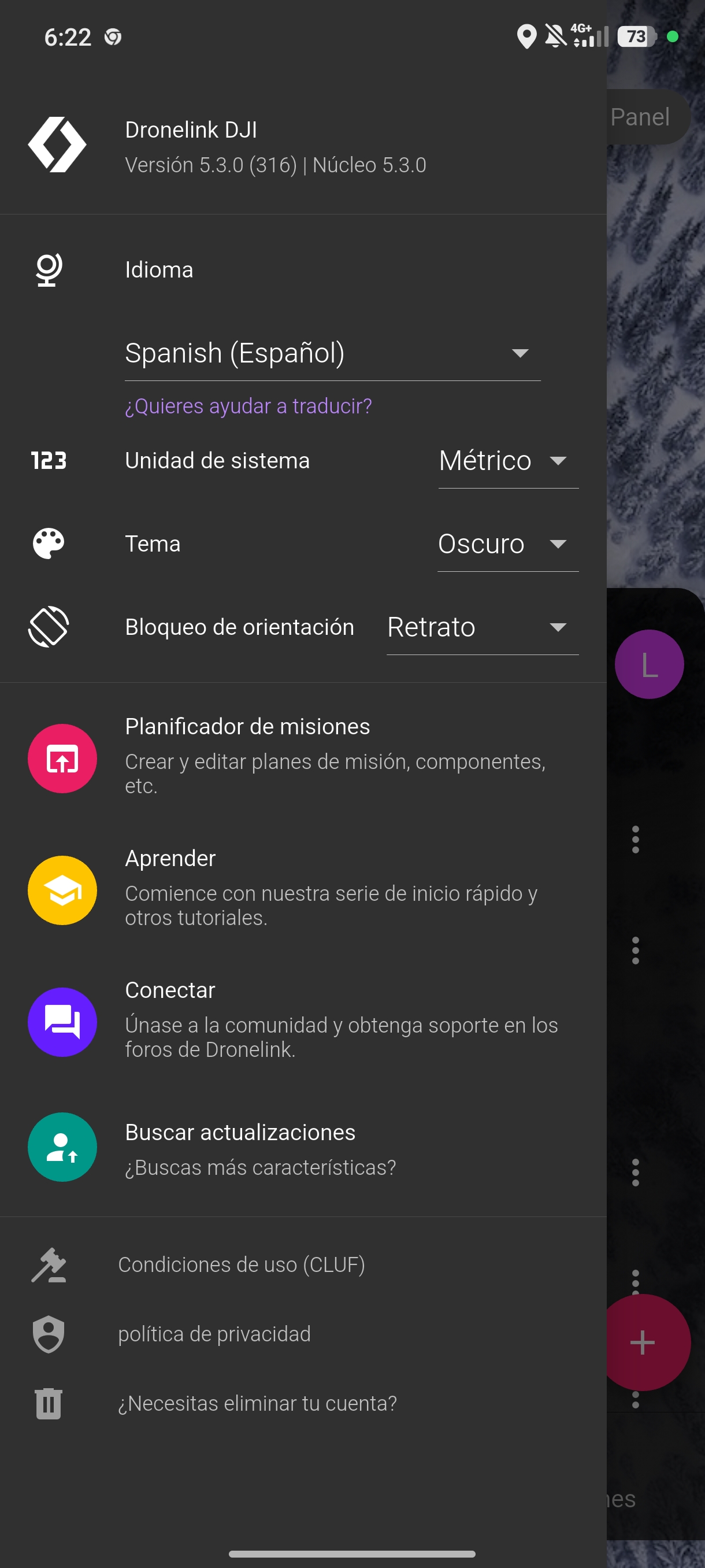
That's the plan configuration I've tried everything. Drone Firmware updated.
Are you saying the problem is still happening even after installing 5.3.0? Can you share a screen recording?
Yes it's still happening. I will record again but it's the same of the video I uploaded in YouTube nothing changed. https://youtu.be/v97dW8L-hvU?si=RKAnhDBprzZG0m1c
Please record another one and make sure you open the app menu so I can see the version number. Literally everyone else is reporting the issue as fixed.
Luis CamGO. From what I can see the mobile app is showing an update to build 312 is available so it’s not the most current version. First click on the update in the mobile app and install the update and then try.
I've recorded the videos and done four tests.
It still doesn't work.
In each video description, I explain what I've done.
Basically, the gimbal still won't rotate. I tested it with time-lapse and single-shot photos, and none of them worked. In one test, it almost crashed.
TEST 1: https://youtu.be/I2ztFfslWCA
TEST 2: https://youtu.be/Mc4WOcVbYww
TEST 3: https://youtube.com/shorts/pJZrBUI3R38?feature=share
TEST 4: https://youtu.be/BFl0FSwg7ow
It appears that your device is either too low performance to run Dronelink, or the strong signal interference is causing the telemetry to be delayed, or both, but neither of these are the same issue as what we fixed for this thread. If you need a refund: http://dronelink.com/refund
I don't think it's the device. It's a Redmi Note 14 Pro 5G. I've planned flights with the Phantom 4 Pro using the DJI app and haven't had any problems.
Today I did a test where I configured it to take photos at intervals, but manually rotating the gimbal was the only way it took the pictures.
Anyway, I'll try using another device and another drone model to see what happens.
Please sign in to leave a comment.