GPS coordinates not working in mission planner

Hi!
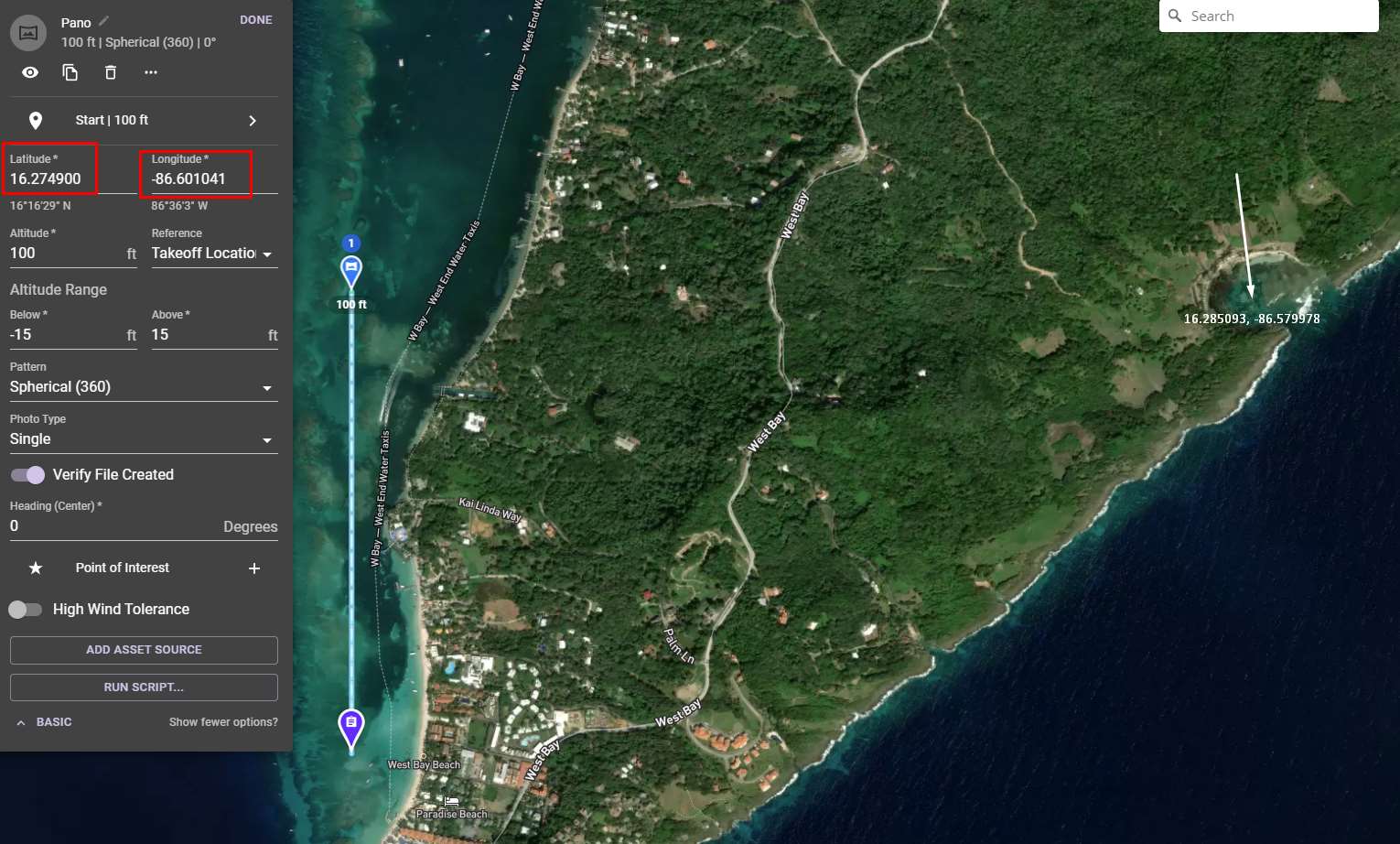
I'm trying to set the position of a pano with coordinates i found in Google Maps and its not setting the pano at the right position at all and the number in the long , lat reset themselves to the previous numbers that was there before i try to change them.
Comments
1 comment
If you search you will find several threads which talks about this. If you don’t do it fast enough it may revert back. Check this one link. The other option is to use the On the Fly Pano if that will work for you.
https://support.dronelink.com/hc/en-us/community/posts/1500000538901-Can-not-manually-enter-destination
Please sign in to leave a comment.