Huge chunks of photos missing after mission

I apologize if this topic has already come up, but I couldn't find anything similar in my search results. I have been using Dronelink for my Mavic Mini 2 for a couple years to create maps with Maps Made Easy. This has worked really well and I've been really happy with the results.
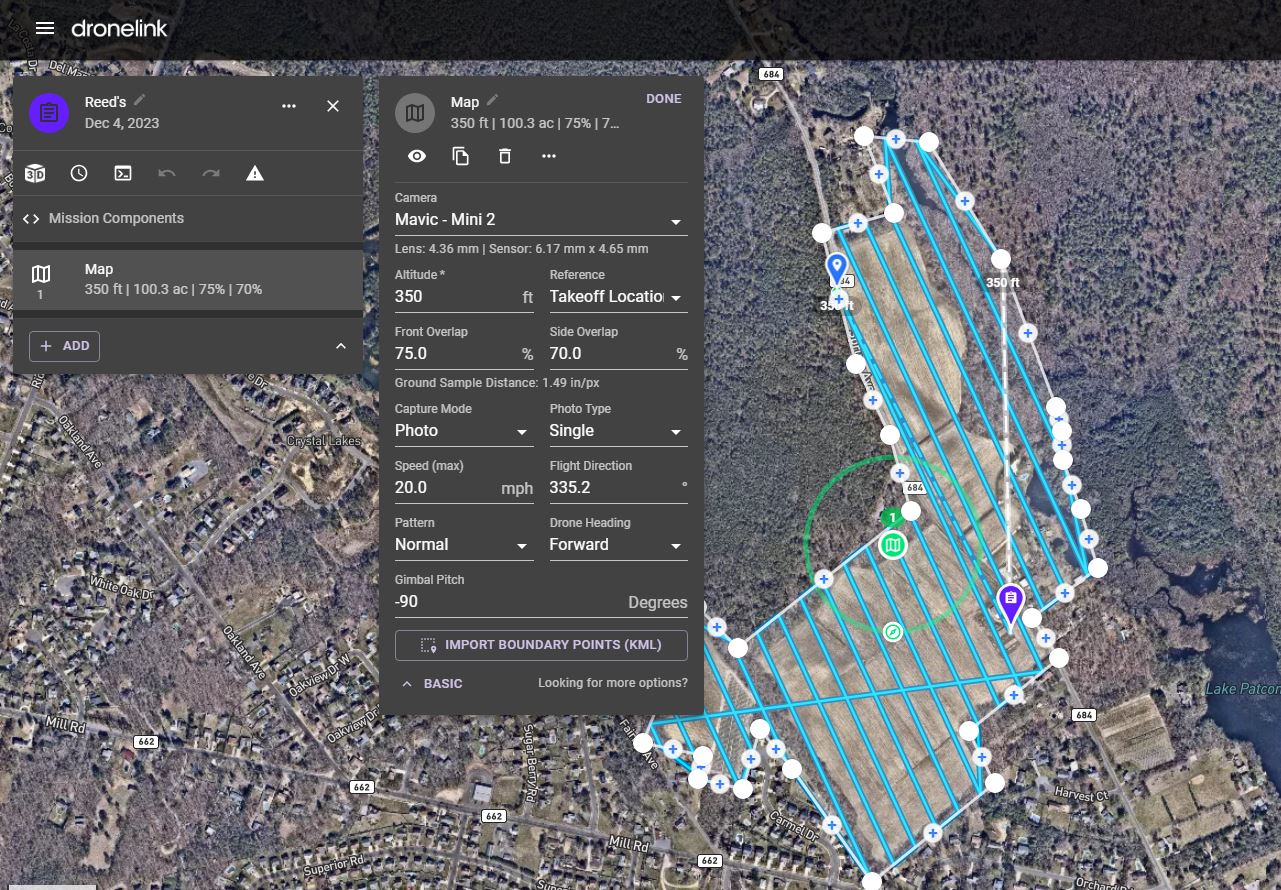
But recently I've been running into an issue that's causing the maps I'm trying to create to be only partially complete. When I run a mission through Dronelink, I only end up getting a fraction of my photos from the mission, in this last mission, less than half the photos (144/319) that should have been taken ended up being stored in my SD card. It seems this may be happening when the mission needs to pause and resume for a battery change, but I would love to know why this is occuring and how to fix it so it doesn't keep happening.
Comments
11 comments
Did you run the simulation first to check the theoritical number of photos ?
Please share the mission plan.
Please share the actual mission plan.
Adam Dusen, can you share the link to your mission plan please so that one can open and check ?
Oops, sorry. Here is the link: https://app.dronelink.com/adam-dusen/my-first-project/plan/gpfqcd4GJ6zM02zE5OYP
Does it only happen after battery swaps?
What happens if you change it from Distance to Time based Capture Priority?
I believe it is only after battery swaps, but I'm not 100% sure of that. It just seems to fit the pattern of how and when the batteries were swapped.
I've never used the 'Distance' setting, but in the mission estimate and preview it does seem to lower the amount of photos taken and decrease the mission time as well.
In the meantime since it’s a large map at 100 acres it would be better to split it up into two seperate missions as the warning explains regarding larger maps. You need a battery swap the way it’s set up now so this would mean you could do each one with one battery but same amount of batteries. Always better to do smaller map sections especially if there is an issue with one of them because you can just run one of them again instead of the entire map again. Just a suggestion for now.
Thanks, Mike. I think that's good advice, as it will probably solve the problem by the sounds of it. I'll give it a try and report back at some point.
Please sign in to leave a comment.