mini 3 pro with rc-n1

Hello
İ am using dji mini 3 pro for the last one year with dji fly app, and interested with dronlink for autonomous flights
i have been readying almost every topic in the forum for the last 6 months :))
İ did my first flight a few days ago and the app crashed a few minutes after the mission stared, i got panicked a few seconds, then i restarted the dronelink dji app and regain the control of the drone (put in S mode) and retured it back to home .
İ tried to resume the mission a few times, but every time the app crashed . I know it is beta, and i
am not writing this to claim anything or anyone , i will just be wait patiently for the issues to be solved and have an app that works without problems :)
After my first flight with dronelink i realized that i was not not using the latest version of dronelink dji app, and now i updated the app, i will do an test flight in the next few days , it is interesting that there was no notification inside the dronlink dji app that there was an update. Just to be sure that i an on the lastest version of the app i download it from the web site and vola , there was an update :)
My current version of dronlink dji app is version 4.8.0(280) / kernel 4.8.0. Is this the latest version?
By the way
My phone is Samsung S10+ with Android 12
Mini 3 pro 01.00.05.00
RC-N1 04.14.06.00
Comments
11 comments
Build 270 is the latest, and we normally put a notification when new builds are available, but as this is the start of a new version number (just bumped from 4.7.1 to 4.8.0) we had to wait until both Apple and Google approved the builds so as to not show the notification too soon on some platforms. As for the crashing, that behavior is well documented here: https://support.dronelink.com/hc/en-us/community/posts/16409496589331/comments/20019915555219
Sometimes I don’t get push notifications right away even though there are updates. Regardless, I always check the DJI Fly and Dronelink app and update if available before going out to fly. It’s a good practice to get into and no different then preparing everything else before flying. Enjoy..
Hi after a while
today i donwloaded the latest version of dronlink dji app (v4.8.3(279)) . the installed previous one was v4.8.0(270)
so after upgrading the software wothout connecting my rcn1 controller, i started the dronlink dji app , and after a few seconds of starting the app the software closed by itself without giving any error. i tried a few more times but still the same. i uninstalled completely and tried to reinstall the program and i also tried to download dronelink dji . the result is the same after a few seconds of starting the app , it closes itself automatically .
My phone suggested to clear the cache but this didnt solve the issue.
i am attaching the screenshots from my phone
As i stated in my first post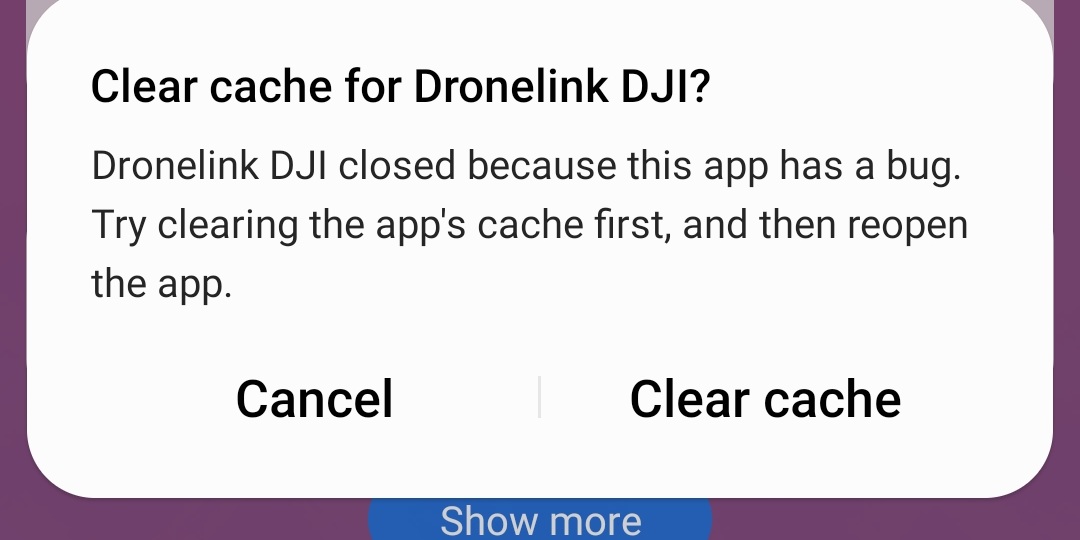
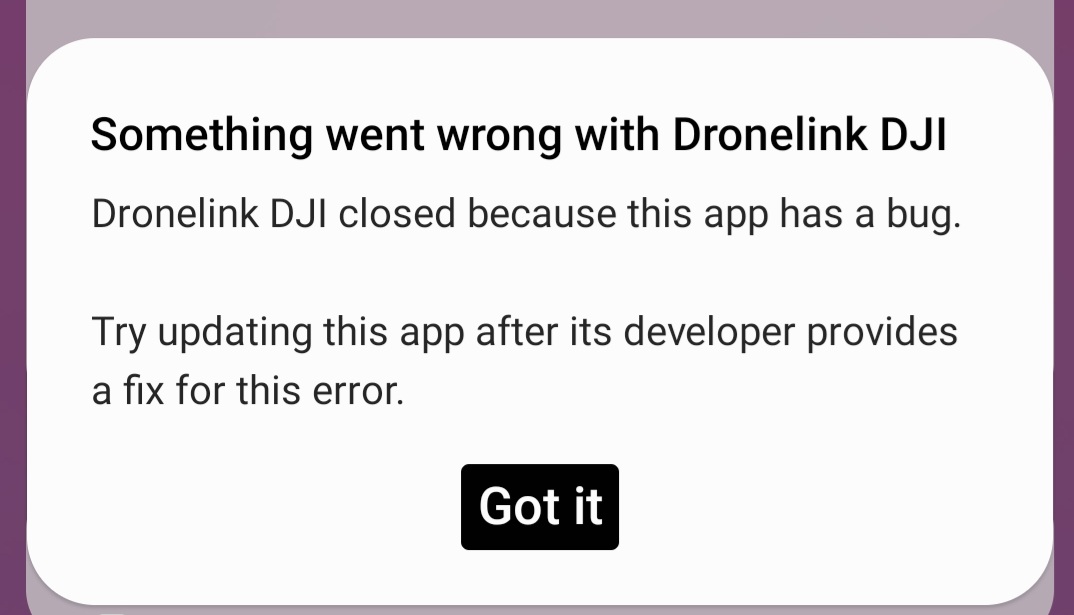
my phone is samsung s10+ with andorid 12
Something to try first. You may want to go into the phone settings and force stop/ close the app before restarting it. It should be force terminated because swiping up is not enough to completely shut it down. If it wasn’t completely stopped it may not completely clear everything out. Only takes a minute and may work. If not I’m sure DL will look into it.
https://support.dronelink.com/hc/en-us/articles/13139796197011
Hello Mike
I already tried to force stop dji fly app and dronlink dji app. and also i did " clear cache" and "clear data " and it didnt worked
Jim,
Any suggestion or idea about my issue ?
Do you have another device you can test with?
No, i dont have
i dont know at which version it stopped working. but on 270 it was fine and now on version 278 it is not working
stephane GARNIER is your S10 working, just no video feed?
Jim McAndrew, I have the same problem as mentioned above with S10 only.
App is closing just after launching. However it is working with another samsung phone.
Thanks, got one on order for testing.
Please sign in to leave a comment.