Mini 3 Pro RC PRO no 48MP

I was trying to get DroneLink to do 48MP. I looked through the forum and got very confused. In some places it has to be set in the firmware, but where, nothing in the DJI FLY app. Some places - one about mapping - they are saying that the mini 3 pro 48MP selection is only for the GROWTH license but no error was ever shown. I'm sure I haven't got the right forum posts.
I bought the mini 3 pro to make 48MP pictures or at least 20MP, so what is it? Can I set my camera at max resolution and get 48MP when doing waypoint photo and mapping or anything else or can I not? If I can how? If I can't - why is the option then there? I really hope I can. If not I'm totally confused. It's not everywhere it is vital but in waypoint photos it is, it's the automation I use to photograph estates.
Kindly
Lars
Comments
11 comments
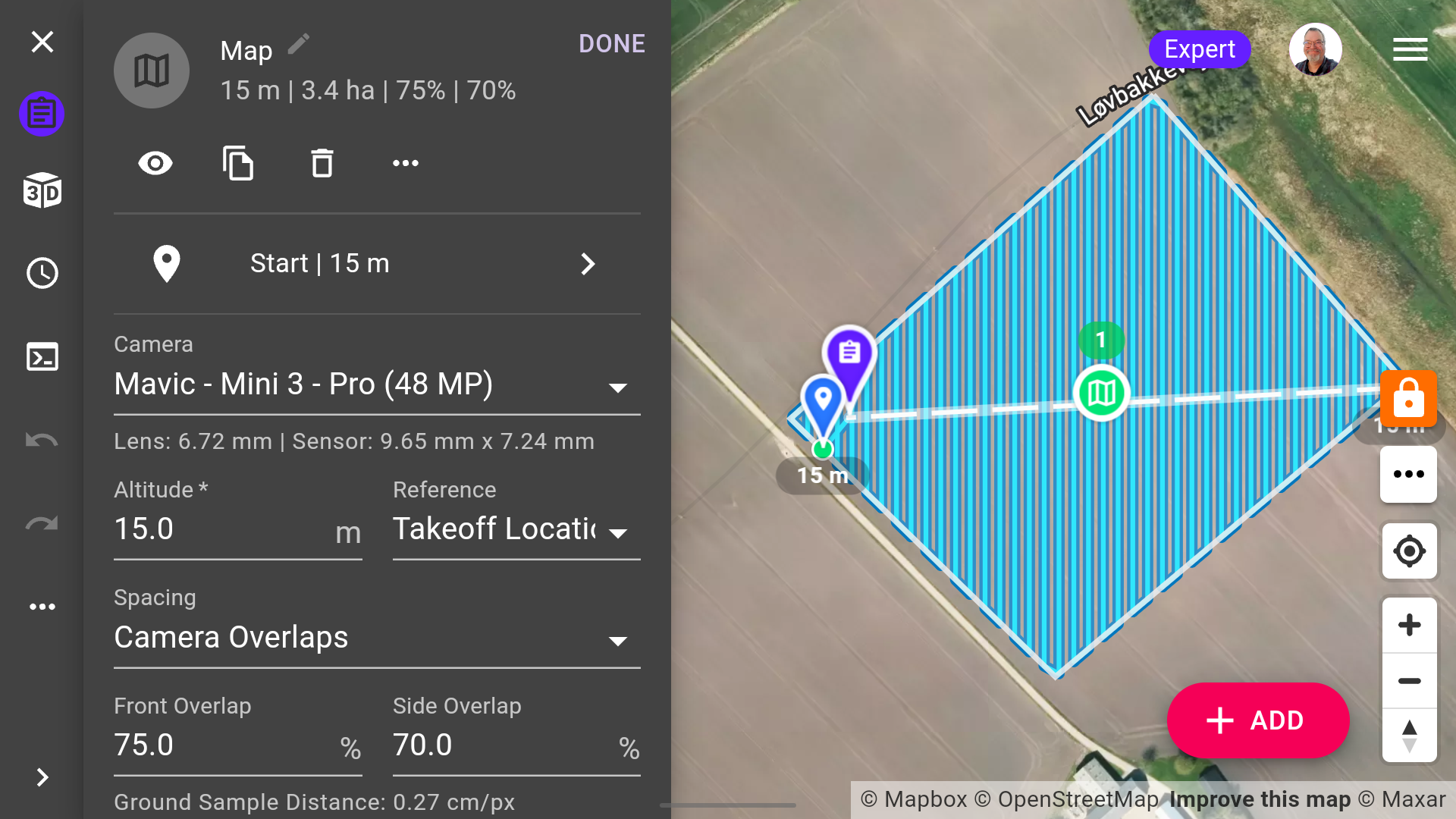
The camera drop-down is for the purpose of calculating overlaps and GSD. If you want to actually capture 48mp photos, you have to select High Resolution in the Photo Type drop-down, which requires a Growth account:
Ok. I upgraded to GROWTH. So tomorrow on my photo job I should be able to use “Photo type” “High-resolution” and get 48MP photos as I promised my client. Right? 👍
And in mapping. Will this work now? 😃✌️👍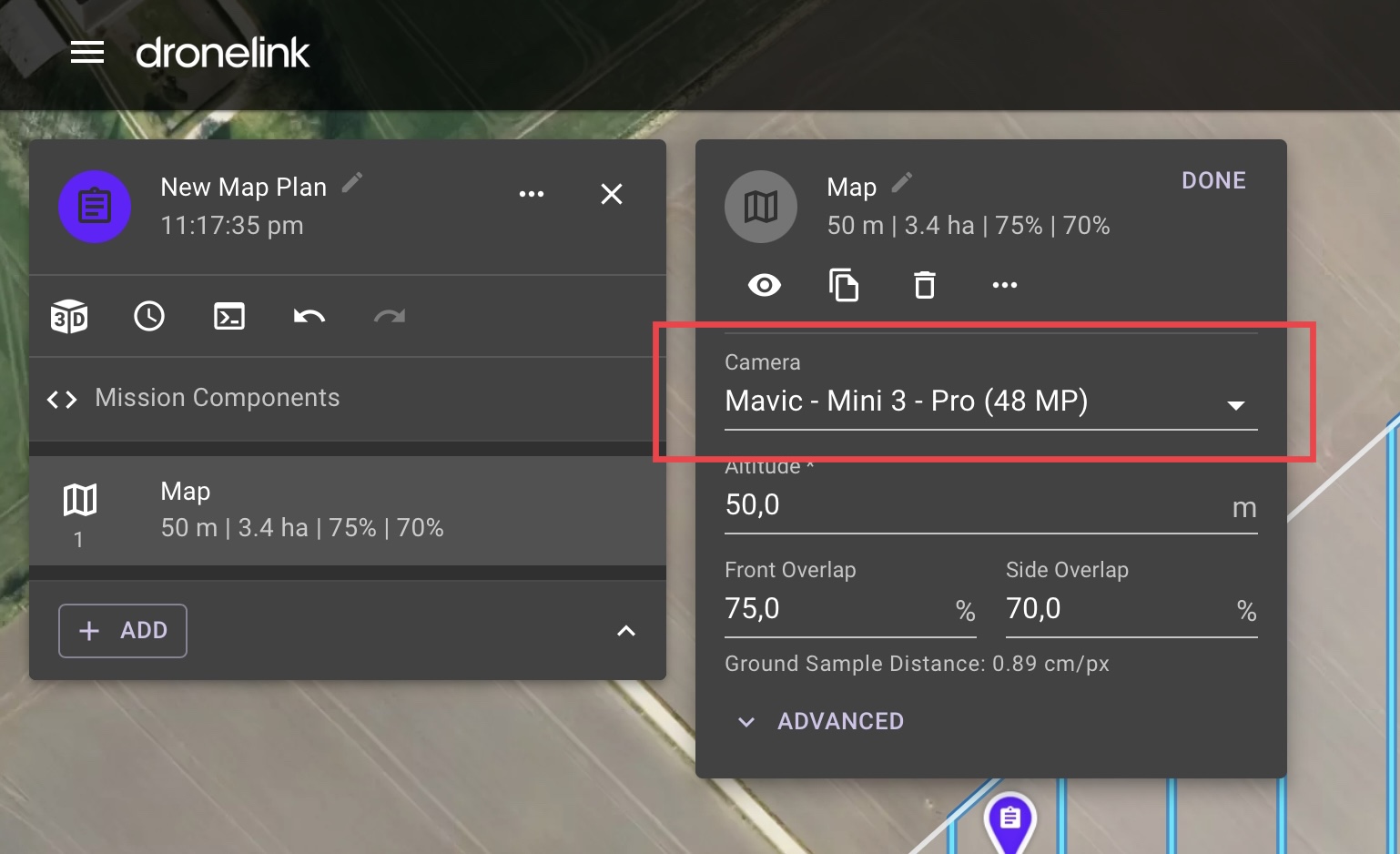
You need to select High Resolution in the Map Component under advanced. I wouldn't recommend going into a production environment tomorrow without testing things first.
Thanks. I'm not mapping tomorrow. I'm doing the waypoint photo session. I'll remember to try it out on the mapping before I use it. There are a lot of options in DroneLink - the hardest is to figure out what works and what does not. I suppose it's going out and trying it.
Ha ha… Nice to know. Thanks, Patrick! Are you using waypoints or checkpoints in your lists?
Thanks. I'll try that. Looking forward to seeing the result.
Yes, it looks good. Are you using WebODM?
Hi Lars. DL is an amazing app and it does take time to know what works and what doesn’t. If it works with the DJI App then most of it should work with DL. Obviously some features or functions within the DL App will only work if your plan supports it. If you check this link it will show you exactly what your plans capabilities are. Maybe this will help. Enjoy.
https://support.dronelink.com/hc/en-us/articles/360053169634-Which-features-and-drones-are-included-in-my-plan-
👍
And now it works. Took some trial but it works.
Please sign in to leave a comment.