No Network issue and i cannot use native app on the fly function

my plan is Basic
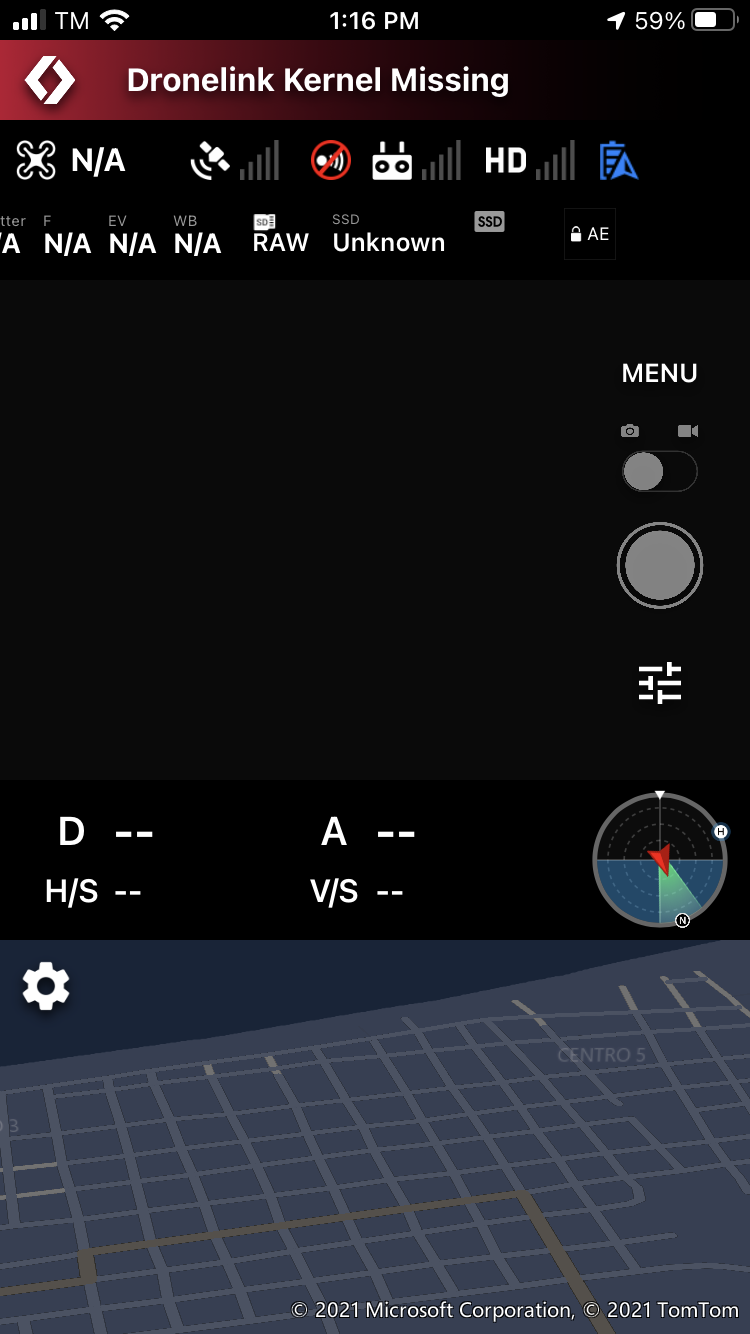
on my iphone it say dronelink kernel is missing
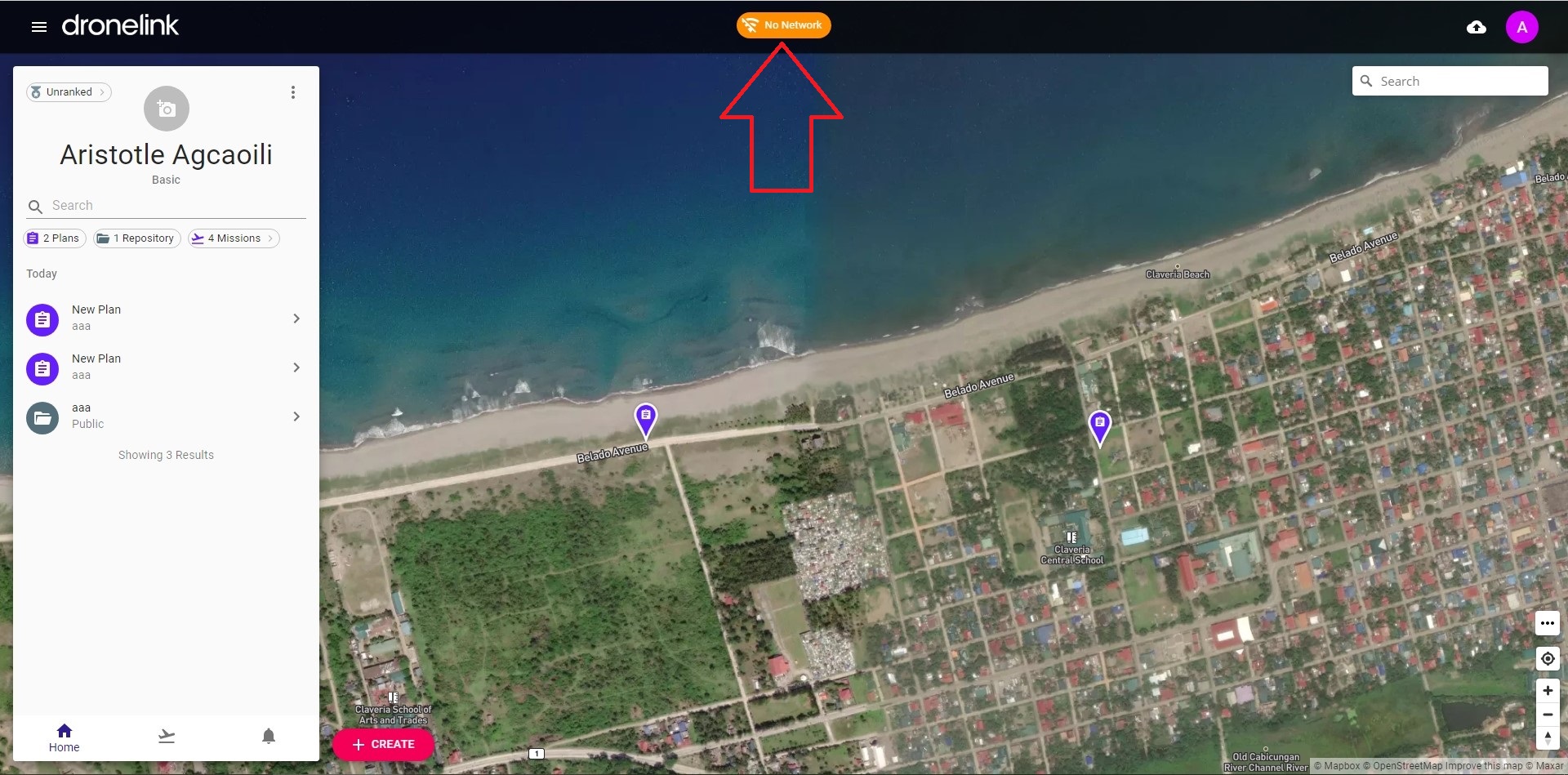
in my desktop pc no network
it was running ok last time i use dated may 22 2021
i use dronelink with on the fly function only
Comments
7 comments
My Phone is Iphone 7
and my drone is Mavic Mini
You need a network connection.
i have network connection, i can browse the dronelink site but there is sign in upper middle of the site that saying no network
here is my screen recording about the error i encounter
https://youtu.be/dXsCcugD9-8
last may 22 when i use dronelink without problem
Do you have something in your browser blocking connections to the Dronelink web app specifically? Have you tried a different browser? We are not currently experiencing any network issues on our end and no other users are reporting any issues.
The kernel missing message in the native app means that your mobile device has not had a network connection since you opened logged in the first time. Again, no one else is reporting this issue either. Can you try installing Dronelink on a different mobile device and see if it has the same issue?
i install dronelink in Samsung A20S and Samsung J8 same there no kernel missing error but
the flight automation menu wont display.
i was able to fix the problem using VPN to my phone
can you please fix it it maybe a server issue blocking my connection
Please sign in to leave a comment.