Required Component Failed error - Mission aborted

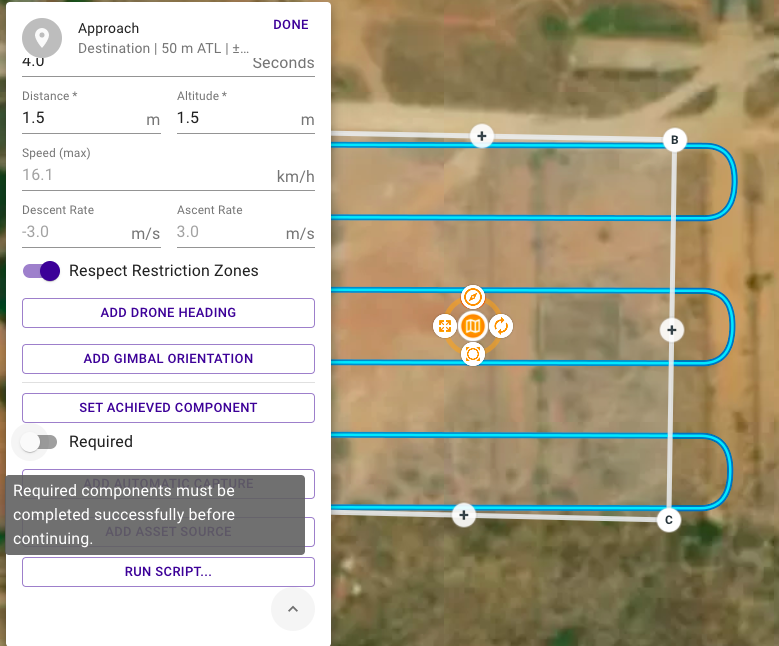
I am trying to do a mapping mission. My machine takes off well but upon reaching the start point of the mapping grid, it pops up this error and the mission gets aborted automatically. I tried keeping the components to be not required. Still it gives the same error. Is there any way to bypass thiss?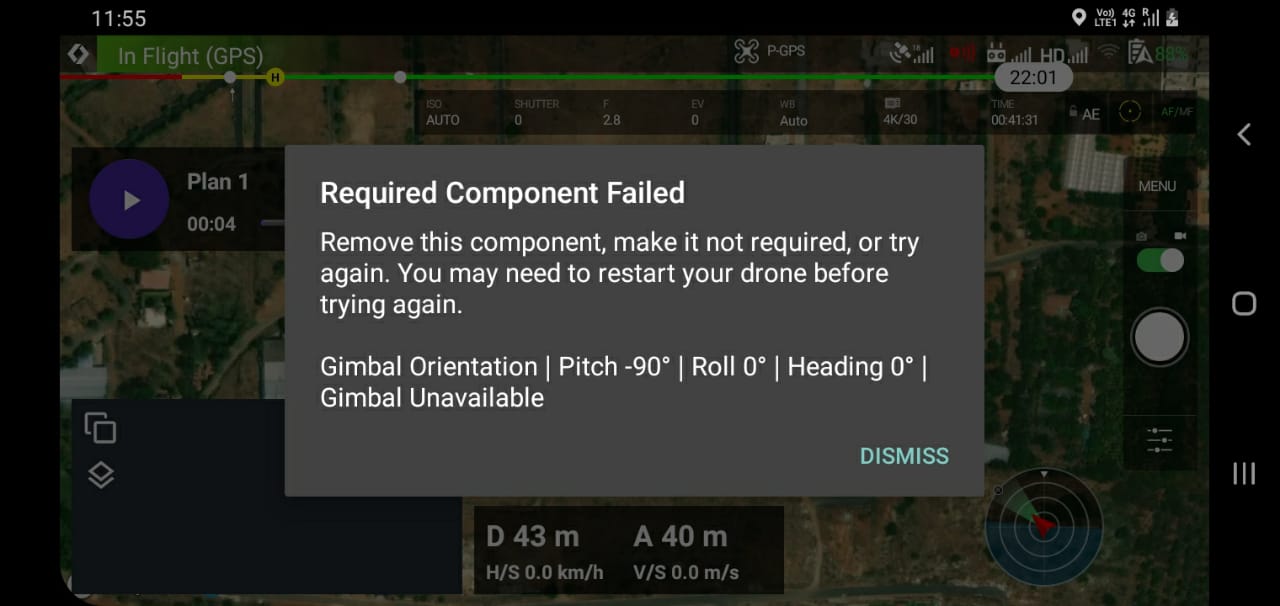
Comments
9 comments
Gimbal Unavailable means there is some hardware issue with the DJI SDK not being able to communicate with your gimbal. There is no way around this if you are actually having a hardware malfunction.
Thanks for your reply Jim McAndrew.
One thing I forgot to mention earlier was I have removed the gimbal for certain reasons.
I tested it again using the DJI native app; DJI Pilot and it worked fine. But, with Dronelink, it is giving the same error.
The map component issues a required gimbal orientation command and will not continue if it does not succeed (it thinks the data capture will be ruined if the gimbal is not pointed in the correct direction). In your case you might want to select None for the capture type if you are using a custom camera or something.
Yes Jim, I am using a custom camera. I tried selecting Capture mode as none, still it gives the same error.
If this would have been a DJI SDK problem, it would not have worked with DJI Pilot.
Is there no way to disable this mission failure?
That is what setting the capture to none is supposed to do. What native app version are you using?
I am using the latest version of DJI Pilot; v1.9. I tried an older version as well i.e. v 1.8.1. It is also working fine.
Please tell me which version of the Dronelink native app you are using.
I am using Dronelink v2.2.0
We released a kernel upgrade (2.2.1) that was supposed to correct this issue, but I am not sure you have tested it since that upgrade. Please try again now.
Please sign in to leave a comment.