dronelink crashed after flight completed

This is my first flight with dronelink beta 2.2.0 build 142.
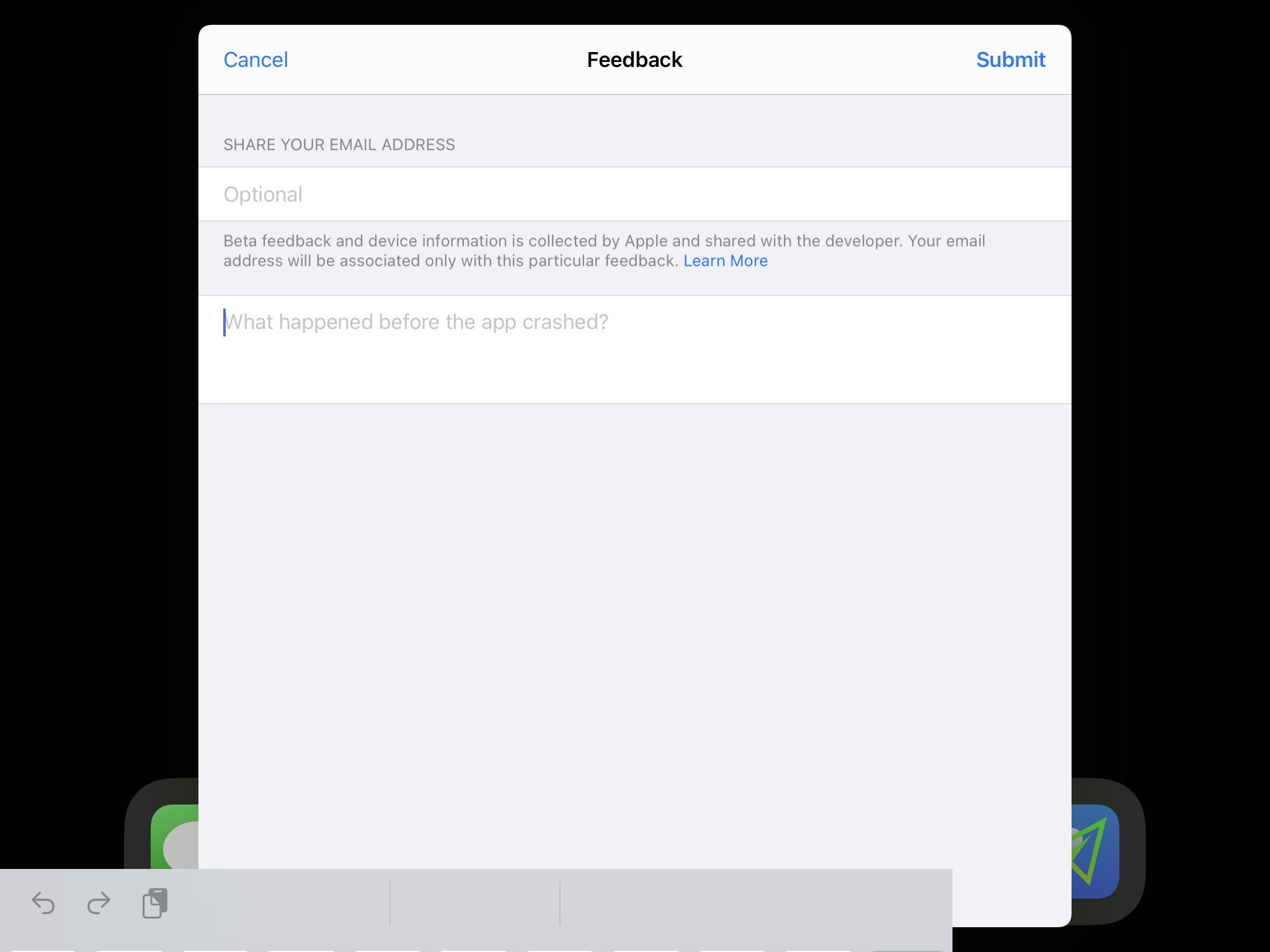
The map in the lower left corner zoomed in making it impossible to see the full path. Maybe I touched something? I'm not sure if I caused it or it was a result of the new beta. This is the first beta I have flown since the 2.1 release. Another weird thing happened after the flight completed and I did not see until I returned to my house. There was an error message on the screen saying the beta had crashed. I attempted to file a crash report but the screen was frozen and I could not input any data. This was on an iPad Mini 5th gen tablet. I did manage to submit a report after closing the app. As far as I can tell everything about the flight completed with no errors. The AirData log was uploaded as well.
https://youtu.be/5oUYEsbBoJE is a video showing the screen capture during the flight.
The photo below is where I tried to submit feedback but the app was unresponsive.
Comments
3 comments
The crash is due to a DJI SDK bug.
Is the SDK bug only triggered by the Beta release?
What about the zoomed map?
Yes, it is only with the latest SDK (which also supports the MA2) where it happens. They are investigating it but it doesn't look like a fix will be coming soon given all the turmoil going on with the iOS SDK. In our testing it appears to only happen when you either force terminate the app, or iOS terminates the app while it is idle in the background.
On the map zoom, you need to post more details with steps to reproduce.
Please sign in to leave a comment.